
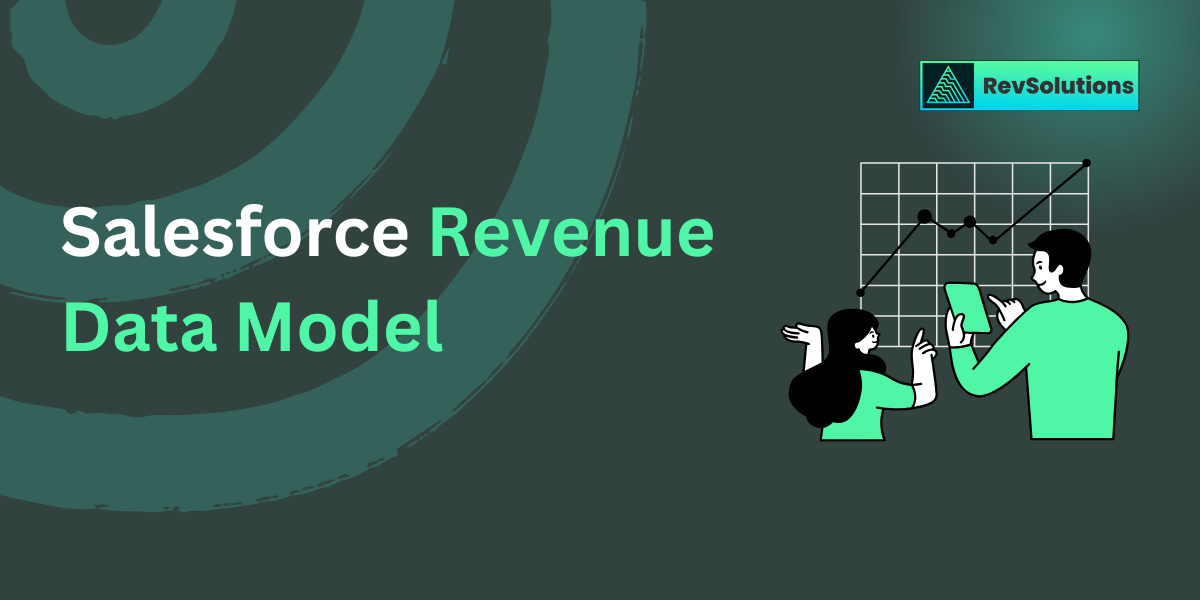
How the Salesforce Revenue Data Model works
Here is the sequence that powers most B2B SaaS revenue flows.
Defines projected revenue. Amount, close date, and forecast category feed forecasting. When these fields do not match CPQ outputs, forecast variance appears immediately.
How revenue data breaks across systems
- Opportunity Amount differs from Quote Total
- Contract dates differ from Quote dates
- Order quantities differ from Contract Line quantities
Even a small mismatch creates forecast drift and billing variance.
The Salesforce Objects that matter most for revenue accuracy
Salesforce provides many data models, but accurate revenue reporting depends on a focused set of objects from Opportunity through Invoice.
- Opportunity: Feeds forecasting. If Amount, Term, or products do not reflect the final deal structure, forecasting never aligns with billing.
- Quote and Quote Line: Defines the structured configuration. If quotes include deprecated SKUs or manual overrides, contract creation will carry invalid data forward.
- Contract and Contract Line Item: Drives billing schedules, renewal dates, and term logic. Most ARR and NRR errors start here.
- Order and Order Product: Pushes the contracted terms into operational workflows. If Order Items do not map one to one with Contract Lines, invoices will require manual fixes.
- Invoice, Invoice Line, Credit Memo, Debit Memo, Payment: Follows the Billing data model. These records define billed and collected revenue and feed ERP accounting.
- Assets and Usage Records: Tracks subscription lifecycle and usage based products. Renewals, upgrades, quantity changes, and usage-based billing rely on consistent asset data.
Common data failures and where they start
Invalid SKUs or pricing rules in quotes: If catalog data is inaccurate, CPQ produces values that cannot convert into valid contract or billing records.
Contract fields that do not match the quote: When start dates, end dates, billing frequencies, or quantities change without proper mapping, billing schedules break.
Order logic that changes contractual data: Custom automation that adjusts order quantities or dates creates invoice totals that do not match the contract.
Invoice totals that cannot reconcile: This happens when billing applies different pricing, discount, or tax logic than CPQ. Finance then has to reconcile every invoice manually.
How IT teams keep revenue data clean at scale
Accurate revenue reporting requires controls across objects, integrations, and catalog governance. These are the highest leverage practices.
One product catalog and one pricebook: This prevents duplicate SKUs, mismatched pricing, and invalid bundles. RevOps and IT should own catalog governance together.
Field-level rules that block inconsistent records: Validation rules, required fields, and simple automation keep contracts, orders, and invoices aligned. This removes most downstream cleanup.
Strict external ID and object mapping standards for integrations: Billing systems, payment processors, and ERPs must use stable identifiers. This prevents duplicate invoices and missing payments.
Consistent pricing logic across CPQ and billing: Any change in pricing rules, discounts, or proration must be reflected in both systems. Without this, invoice totals will never match quotes.
Lifecycle monitoring and exception handling: Set up alerts for failed quote creation, contract conversion errors, missing order lines, and invoice generation issues. Visibility reduces month end surprises.
The advanced data models IT should know
While most teams operate within the core records above, some companies rely on additional Salesforce data models that add complexity.
Rate Management: Used for usage based pricing. Incorrect rate cards or usage rules create billing variance that is difficult to troubleshoot.
Usage Management: Tracks consumption records for metered products. If usage data is incomplete or late, invoices and revenue schedules become inaccurate.
Accounting Data Model: Handles journal entries, accounting periods, and ledger integration. If invoice or payment data is incomplete, ERP syncs fail and recognition schedules break.
Why accurate revenue data depends on IT ownership
Clean revenue reporting does not start at the dashboard level. It starts at the object level. Sales, finance, and RevOps rely on IT and Business Systems teams to enforce a stable data model across the entire lifecycle.
When IT maintains catalog consistency, field alignment, stable integrations, and controlled pricing logic, Salesforce becomes a reliable revenue system. Forecasts match actuals. ARR and NRR stay accurate. Billing produces clean results. And reconciliation becomes predictable.
0 Comments